
Does Walmart take Apple Pay? Yes—at U.S. stores where Tap to Pay is active, along with Google Pay and supported contactless cards. The select-store rollout began Aug. 24, 2026, but that does not prove every location is active.
Walmart plans all U.S. stores and clubs by the end of 2026, and fuel stations by mid-2027. Online and app checkout are separate: use the wallet methods displayed at your checkout. Walmart Pay is a different QR-based option.
Does Walmart take Apple Pay in store?
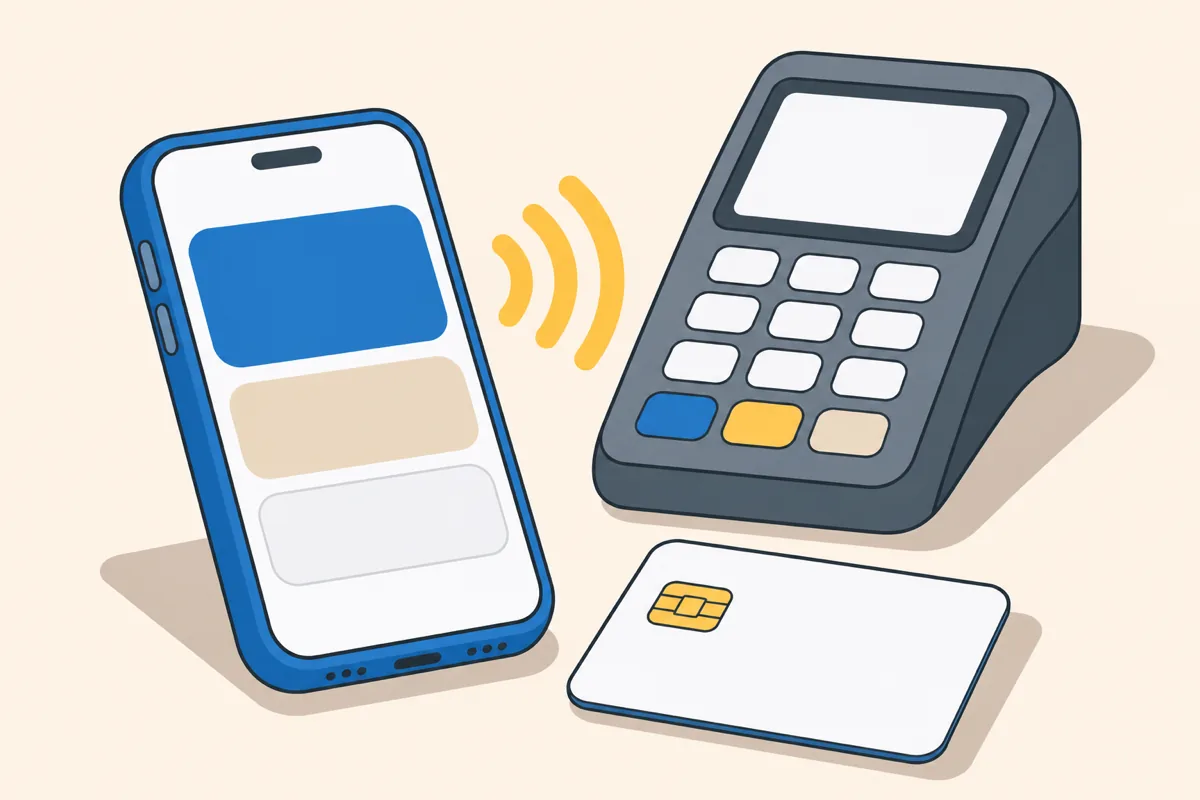
Yes, when the store has Tap to Pay active. Walmart explicitly names Apple Pay and Google Pay as digital-wallet options. Supported contactless credit and debit cards, payment-enabled smartwatches and other supported devices are included separately.
Tap to Pay adds a payment choice rather than replacing existing ones. Your checkout channel still matters: an active store register, Scan & Go and an online order do not share one blanket answer.
| Where you pay | Official answer | What to do |
|---|---|---|
| U.S. store with active Tap to Pay | Yes: Apple Pay and Google Pay are named; supported contactless cards/devices are included | Use the supported wallet or contactless method offered at checkout |
| Walmart.com or app order checkout | Unresolved by the reviewed general payment list | Use the wallet methods actually displayed for your order |
| Scan & Go | No: Apple Pay and other digital wallets are excluded | Use the existing Scan & Go payment experience |
| Fuel station | Mid-2027 is a rollout target, not current universal support | Do not assume support at any particular pump |
| Contactless EBT | Available in select areas only | Keep this separate from Apple Pay acceptance |
| Outside the U.S. | Not answered by this U.S.-focused evidence | Use a current country-specific official source |
For related account and card topics, browse the Walmart payments guides.
Which Walmart stores have Tap to Pay?
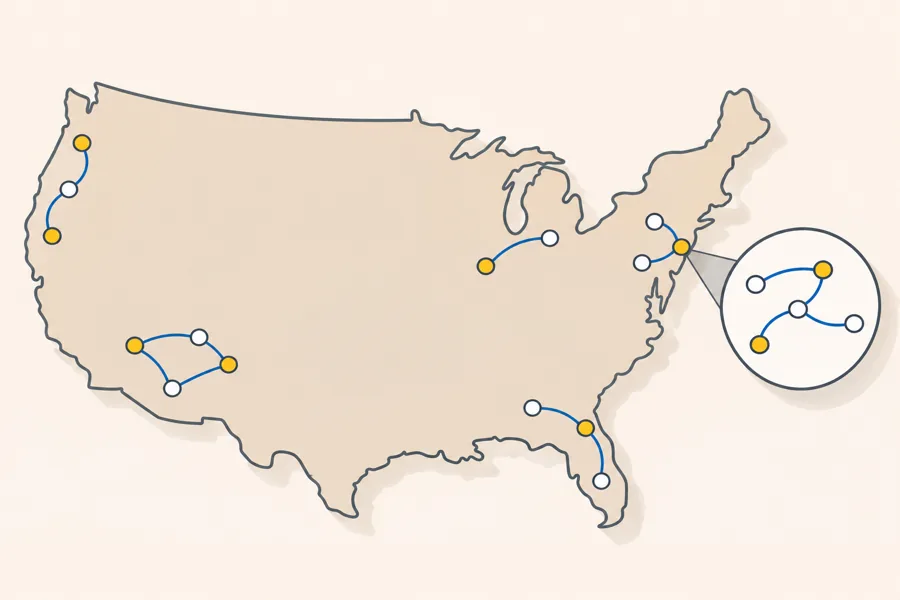
Walmart announced a select-store and Sam’s Club rollout beginning Aug. 24, 2026. Its plan is to reach all U.S. stores and clubs by the end of 2026. That future target is not proof that rollout has finished at your location.
The reviewed FAQ and announcement do not provide a store-by-store list proving which Walmart locations are active now. Look for the payment option offered at your register instead of treating the national target as a completed store list.
Fuel stations have a separate mid-2027 target. The store rollout does not establish current support at a specific station.
Does Walmart take Apple Pay online or in the app?
The reviewed general Payment Methods page does not settle this universally. It introduces its list with “such as” and does not name Apple Pay or Google Pay. That omission is not a published online or app rejection.
The reverse is also true: explicit in-store Tap to Pay support does not prove acceptance for every Walmart.com or app order. Use the wallet and payment methods actually displayed at your checkout.
Some payment methods may be unavailable for orders with international shipping. Your order’s displayed options are the safest scope, rather than a claim covering every online purchase.
Walmart Pay’s current visible page describes in-store use. It does not establish or expressly deny Walmart Pay as an online order-checkout selection.
For a separate order-collection process, see the Walmart pickup guide or browse the Walmart shopping guides.
Can you use Apple Pay with Scan & Go or at fuel stations?
No for Scan & Go. Walmart explicitly says Apple Pay and other digital wallets cannot be used with it. Continue with the existing Scan & Go payment experience; it remains separate from the register’s Tap to Pay option.
Scan & Go itself continues to work. Do not interpret ordinary in-store wallet support as permission to tap your iPhone inside Scan & Go.
Fuel is different again. Walmart publishes a mid-2027 rollout target, not current nationwide pump support. No particular station’s Apple Pay availability or current station list is established in the reviewed sources.
What is the difference between Apple Pay, Apple Wallet and Walmart Pay?
These names describe different parts of payment setup and checkout. A stored card, a wallet service and a register payment route are not interchangeable.
| Method | What it is | How you use it | Main limit |
|---|---|---|---|
| Apple Pay | Digital-wallet payment service with an eligible card on a compatible device | Tap at a U.S. Walmart store where Tap to Pay is active | Requires active store support and a supported participating-issuer card |
| Apple Wallet | Holds eligible payment cards, passes and other supported items | Stores the Apple Pay card and arranges the default on iPhone | A card or pass in Wallet does not create merchant acceptance |
| Physical contactless card | Supported credit or debit card used separately from a digital wallet | Tap the physical card at an active checkout | Card support does not establish Apple Pay eligibility |
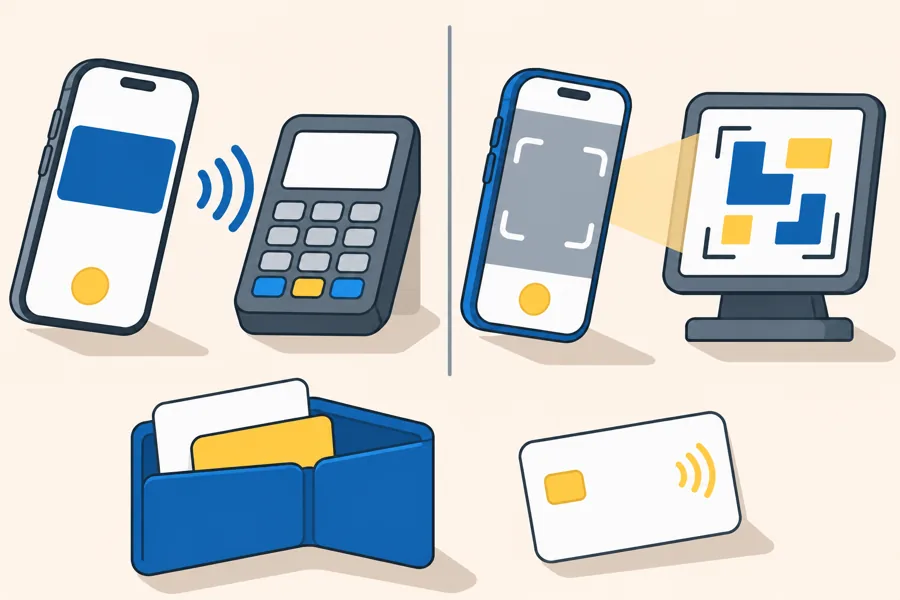
| Walmart Pay | Walmart’s in-app, in-store QR payment feature | Scan the register PIN-pad QR after scanning items | Uses saved Walmart-account methods; does not use NFC |
| Walmart account Wallet | Account area for saving Walmart payment details | Add a payment type through Account, Settings and Wallet | Separate from Apple Wallet and online-wallet coverage |
Apple Wallet can hold eligible cards, passes, transit cards and more. Storage alone does not tell you what a merchant accepts.
Apple Pay requires a supported card from a participating issuer. A bank card network logo alone does not prove wallet eligibility, and Walmart does not publish a complete network matrix here.
Walmart Pay instead uses saved account methods and a register QR code. Walmart account Wallet stores those details; it is not Apple Wallet.
How do you set up Apple Pay?
Start with a compatible device running the latest version of its operating system and a supported card from a participating issuer. Your device needs a signed-in Apple Account plus Face ID, Touch ID, Optic ID or a passcode.
- On iPhone, open Wallet and tap Add Card.
- Tap Continue.
- Follow the card and issuer instructions shown on your device.
- Complete any additional authentication your issuer requests.
Some banks or card issuers require further authentication before approving Apple Pay use. If you are unsure about card compatibility, contact the issuer rather than Walmart customer support.
After setup, use the supported phone or watch at a Walmart store where Tap to Pay is active. A successful Wallet setup does not override the store rollout.
Which card does an Apple Pay tap charge?
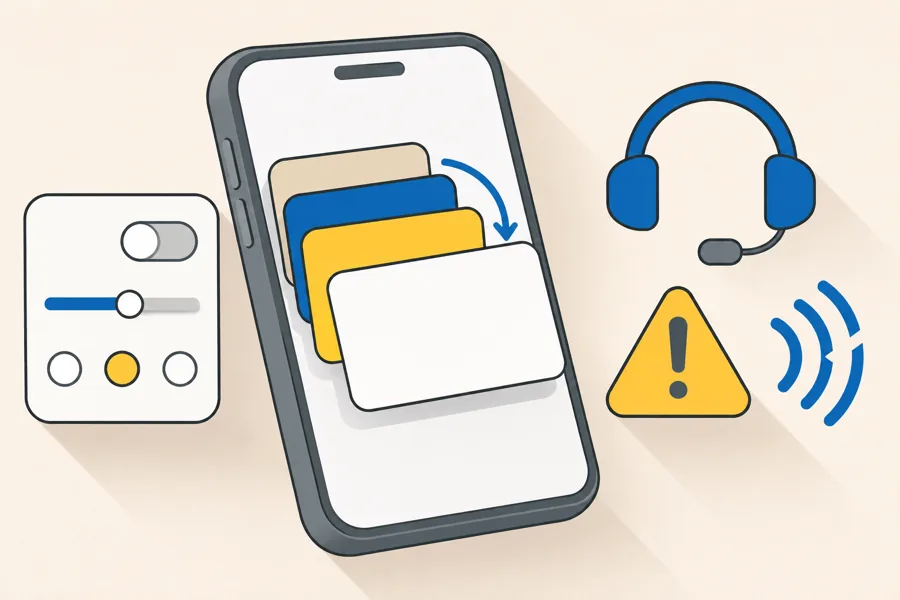
Walmart says a phone tap charges the default card selected in your digital wallet. Check that selection before paying if you have more than one card.
On iPhone, Apple says to drag your intended credit or debit card to the front of Wallet’s card stack to make it the default.
This is different from Walmart Pay. Walmart Pay uses account gift-card value first unless that option is switched off.
How do you set up and use Walmart Pay?
Open Walmart Pay in the Walmart app on Android or iOS. You can choose previously saved credit, debit or Walmart gift cards, or add an eligible method when prompted.
To add a payment method through your Walmart account Wallet:
- Open the Walmart app or Walmart.com and select Account.
- Select the Settings gear, then Wallet.
- Select Add new payment method and choose the payment type.
- Enter the requested details and select Save Card.
Walmart also lets you scan a physical card with your device camera or enter its number manually. Never expose your actual card credentials when demonstrating the setup.
Account gift-card value is used first unless you switch that option Off. This behavior belongs to Walmart Pay, not Apple Pay’s default-card selection.
After scanning your items, open Walmart Pay in the app or open your phone’s camera. Hold the phone over the QR code on the register PIN pad.
Listen for a chime and look for confirmation. Walmart Pay uses this QR flow and saved account methods; it does not use NFC.
For standard card management, see the Walmart gift card balance guide or browse the Walmart money guides.
How do Tap to Pay and Walmart Pay protect payment information?
Walmart says Tap to Pay uses EMV security technology. For digital wallets used with Tap to Pay, Walmart says tokenization helps protect payment information.
Walmart Pay has separate wording. Walmart describes its register PIN-pad code as a secure QR code and says the scan’s signal itself does not transmit financial information.
Its page also says information is encrypted over Secure Sockets Layer networks and card information does not transfer to the store itself. These official descriptions should not be broadened into a zero-risk promise.
The register QR flow is not gift-card redemption. Do not display a gift-card number or PIN as part of scanning the checkout code.
What are the EBT and country limits?
Contactless EBT is available in select areas only. It should not be presented as universal merely because a store has Tap to Pay.
Walmart’s general payment page separately names EBT cards from participating states for EBT-eligible items. State participation and item eligibility both matter.
The current visible Walmart Pay setup names credit, debit and Walmart gift cards. It does not establish EBT or SNAP as a saved Walmart Pay method.
Apple Wallet, Apple Pay and their features vary by country or region. This guide answers the U.S. evidence only; no current Canada acceptance verdict was available from the reviewed official sources.
What should you do if a payment does not work?
For Tap to Pay, try again and follow the PIN-pad prompts. If it still fails, ask store staff to use the normal payment-issue process.
Keep an existing option ready where offered. Walmart says cash, checks, card swipe and insert/dip remain available choices, while Walmart Pay and Scan & Go retain their separate experiences.
For Apple Pay card enrollment or compatibility, contact your card issuer. The issuer can address supported-card and additional-authentication questions.
For general Walmart help, use the Help Center’s online chat or call 1-800-925-6278. These customer routes do not promise a store-specific Tap to Pay status lookup.
If you are planning a separate store trip, the Walmart hours guides cover location-schedule questions.